
Recovering Deleted Stories
Losing a story in Tracker is no fun, whether it’s because of a simple mistake or because Bob and his glitchy delete fingers were running amok in your backlog.
In either case, we now have a solution—Project Owners can go to Project Settings and view the 100 most recently deleted stories. With one click, you can recover any or all of those deleted stories and thwart Bob’s nefarious plans once and for all.
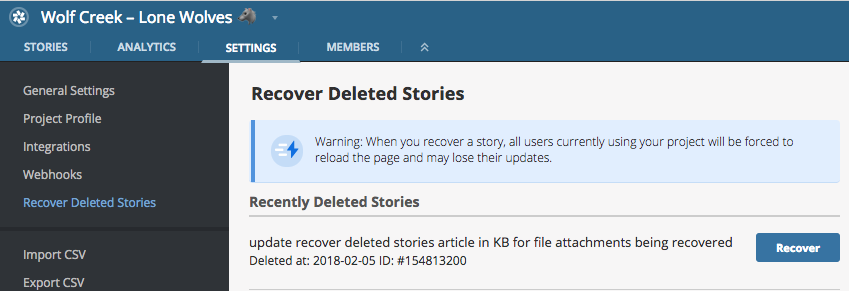
The Recover Deleted Stories option under Project Settings.
We’ve limited the feature to Project Owner roles, because recovering a deleted story causes the project to reload for everyone. So if you’re about to recover a story, give your team a heads up.
Let us know how recovering deleted stories is working out for your team. You can get in touch via the Provide Feedback widget under Help in any project, contact us on Twitter, or email us.
Originally published here.
Originally published by: Thomas Osugi.